Professional Services
Photo culling & selection service
Helping busy photographers free up their time
Selection by human, not AI
Personalised service
No contracts or commitments
Why choose me?
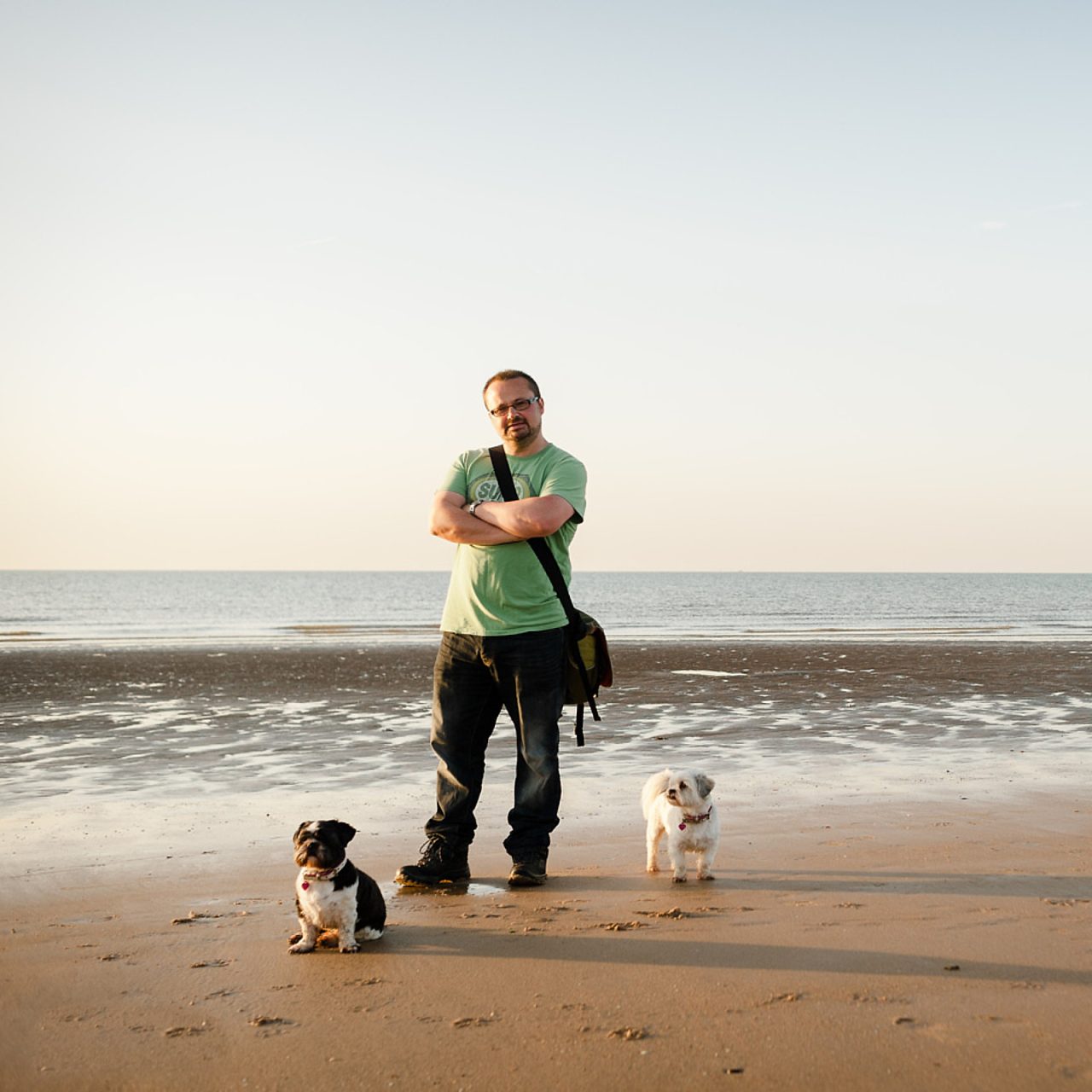
I’m Robin and one half of Robin + Sarah Photographers. We’ve made our living from photographing weddings since 2007. I’m the technical geek of the team and I do all of our culling, editing, website work and, well…. most things really. I’m pretty adept at looking at swathes of pictures and picking out the ones that work best. I seem to have a particular knack for nailing expressions and composition.
Before changing career, I worked in IT for more years that I care to remember so I know my way around PCs and all that stuff. I’m comfortable using Adobe Lightroom or Capture One.
What do we mean by culling?
Culling is the process whereby a large selection of images is whittled down to a more manageable number before the actual editing of those images begins.
Sounds about right? But what does that actually involve?
- To begin, break the photo shoot down into manageable sections for assessment. So for a wedding that might be Bride prep, Arrivals, Ceremony etc.
- Within each section, assess whether each frame taken serves a purpose and isn’t an unnecessary repeat of something else. If there are ‘burst’ sequences when these will be reduced down to the more essential images to tell that story but without padding.
- Check the composition. Is the framing OK and if it’s ‘off’ then could be be saved with a crop?
- Technical assessment: Is the exposure OK – are all the highlights blown beyond the point of recovery? Is the focus where it’s supposed to be? Is there motion blur to a degree that it would look ‘wrong’?
- Expressions and moment: This is the tricky one. You know how some pictures to ‘feel’ more ‘right’ when you’re scanning through? The way the people sit in the same and the way they look? Hard to describe in words, but you feel it when you see it.
- Keeping within desired numbers of images. If there are preferences for how many pictures to keep then that will be aimed for. It’s rarely exact but your preferred number will always be kept in mind during the cull.

Why should I outsource my photo culling?
Reclaim your precious time
How long does it currently take you to cull a wedding or shoot? A few hours? A day? Two days? Most of that time can be pulled back by outsourcing your cull. Once the initial 1-3 culls are done you should be in a good place for getting your culls back to your preferences. Think of all that time you can recover from your schedule and what you could do with it.
The benefit of mentally disconnecting from the job
Disconnecting is a thing, definitely. Weddings especially can be overwhelming at times. There’s all time prior spent engaging with the couple and preparing yourself. The day itself can be overwhelming and at times you’re carried through on your adrenaline.
By outsourcing your culling, you can have a mental ‘gap’ between the shoot day and when you need to start actually editing it. But, rather than simply delaying getting the work done, the cull will ready for you and you’ll be able to proceed with editing without having to look at thousands of your own frames.
An objective selection of your work
Remove the ‘agony of choice’ from your workflow. This is an important reason for many photographers. When trying to whittle down you images, deciding which of a burst of frames to keep can not only slow down your workflow, but can affect your decision-making, especially when repeating that process hundreds of times through the cull.
Part of our Culling Service is to pick up on how you like culls to be done. So, if you have a sequence of pictures – say for a confetti throw – how many would you typically want to keep? And aesthetic values in those pictures are you looking for? Once you’ve got Robin used to how your selection process works, you can let go of that part of the job and be confident that the culled set will be strong.
Offload the job you dislike
How much time are you currently wasting by doing the part of the job you like the least? Many photographers dread culling their own work, especially on larger wedding shoots. You could be using that time far more productively – your own marketing, or blogging, or social media posts, or simply getting away from work and enjoying time away.
Selection by a human photographer, not an algorithm
AI services are no proper substitute for having an experienced photographer make the selection process for you. AI often misses subtlety in expression or composition, or the way one image in a sequence just ‘feels’ better than the others.
Sometimes eyes are meant to be closed, sometimes a minor technical glitch in focus is less important than the moment and of course there’s times when only the smallest fragment of image is intended to be in focus. These are all common scenarios in modern wedding photography and ones that AI struggles to identify.
Through your feedback, Robin will be able to tailor your culling process, learning the subtleties of your own preferences and applying them to future culls.
How it works, step-by-step
1. A chat to discuss requirements
Get in touch and we’ll schedule a Zoom call so we can talk about your requirements and expectations. You can then decide if the service is right for you. No contracts, no fuss, no nonsense.
2. Send your files
If you’d like to try the service then you’ll need to get the files over to Robin. Please note there is no ‘booking system’. It’s strictly first-come, first served. If you have a deadline for a client then please get the files sent as soon as is practical. Our turnaround for culling is always max 10 working days of receiving the files (unless you choose the expedited services). This is the longest it would ever take. Must culled sets are returned within a working week.
Prerequisites: If the shoot has used more than one camera, then a time-synch reference image will need to be provided for each camera body. The easiest way to do this is to take a picture of the Time.is website on the day of the event or as close as you can manage. This means Robin can align the shooting times and cull images in the correct sequence. Even a small discrepancy in camera times can slow the process down to a surprising degree.
Acceptable file formats:
- Raw or jpg files
- Capture One catalogue or Session with raw/jpg files
- Lightroom catalogue (v 11,12, 13, 14 or 15) with Smart Previews (and 1:1 previews for Enhanced service)
How to send your files:
- SFTP server. If you have a fast broadband connection, the quickest and easiest method is to use our dedicated secure SFTP server. You can connect via any SFTP-compabile client such as WinSCP, Filezilla or CyberDuck. You’ll have your own logon for security and your files will be kept completely separate to anyone else’s.
- An SSD drive (SATA or NVMe in 2.5″ or M.2 configuration).
- Memory card (CF, SD, CFExpress or XQD) via post (or by hand if you live near Bromsgrove)
- USB memory stick (USB-A or USB-C connection)
- Online transfer service such as WeTransfer, or DropBox.
Let the culling commence!
Robin will cull the set by hand according to your requirements and let you know when it’s ready. Normal turnaround time is within 10 working days and usually closer to a working week depending on the current workload.
The full set will usually be given 2 or 3 ‘passes’ during which Robin will aim for your preferred target number or percentage – usually with a bit of leeway either side.
Images will be flagged as Picked or Rejected to your preference. They can also be move into subfolders if you wish (not possible with Lightroom Smart Previews).
If you opt for our Enhanced Service then the final selected set will be given an additional pass and each image will be checked at 100% view for critical focus. This is a subjective check for where the focus of the image is supposed to be – so a particular face or object. It will be flagged as OK or as needing further focus enhancement. If the focus is significantly off the image will likely be marked as a reject unless you request otherwise.
Job done!
When the cull is complete, Robin will be in touch to arrange delivery and will send you an invoice.
The culled set can be returned in any of the following formats:
Folder of raw/jpg files organised into whatever arrangement you prefer.
Capture One catalogue
Capture One Session folders with .cos files.
Lightroom catalogue (version 11, 12, 13, 14 or 15) with Smart Previews.
By post: If you’ve sent memory cards or a drive in the post, they’ll be returned by 48hr Tracked post. If you’d prefer Special Delivery (next working day by 1pm) this can be arranged at cost.
Your invoice will be sent at the same time. Please note we don’t operate accounts so payment is due immediately.
Photography culling service FAQ
There are no contracts, no minimum orders and no commitments from you. You’ll be invoiced when the job is ready to be returned and payment is due immediately.
Always within 10 working day, but usually within a working week. If there are to be any delays you’ll be told when you send the job.
If you need the job returning more quickly there is an Expedited service for an additional £75 which will result in the cull being done within 3 working days of receiving the files or LR catalog. You must check first as Expedited is not always available.
If more than one camera body has been used then you’ll need to provide a time-synch reference picture for each camera body. The easiest method is to take a picture of the Time.is website – one picture per camera body – and include those pictures in the set.
The reason for this is because image files that are not synched take much longer to cull. It’s difficult to get an appreciation of a sequence of pictures when the subject keeps jumping back and forth and for this reason the time-synch is mandatory. We reserve the right to charge an additional fee or refuse the job if this isn’t adhered to.
Yes, you can and Robin can work with LR catalogs from version 11 to present. Smart Previews are always required. If you opt for the Enhanced service (with critical focus check) you’ll need to include the 1:1 previews too.
If your Lightroom catalogue or Capture One catalogue or Session includes pictures marked for client previews then simply ensure they are tagged in a way to identify them easily and let Robin know accordingly. If you are sending raw/jpg files with no catalogue or session, then it’s best to keep your preview selection in a separate subfolder. Your existing preview selection will be included in the final cull but will always be kept identifiable by a unique tag.
You will be invoiced when the job is ready for delivery. All payments are via BACS transfer and are due immediately. We don’t run the service on-account, it’s strictly pay-as-you-go.
No. We’re a tiny business and fall under the VAT threshold.
Availability can vary, which is why we don’t book in a long time in advance. Although a busy working photographer himself, Robin doesn’t take on vast numbers of weddings or events so has plenty of space in-between.
That would be great! If you’re looking for a long-term partner to do your culling then Robin is definitely up for this. It’s best if we work together on a 2 or 3 culls first to make sure everything is to your liking and we can then go from there.